Free and open source
Your PC,
at your phone’s size.
Remote desktop squeezes a whole monitor onto a phone. These two free tools bring over what you actually need, redrawn for the phone: your editor, your windows, your servers.
Desktop to mobile, not desktop to desktop
| Remote desktop | desktoptomobile | |
|---|---|---|
| What you get | the whole desktop | one editor or one window |
| Size | the PC screen, shrunk | laid out again at the phone’s size |
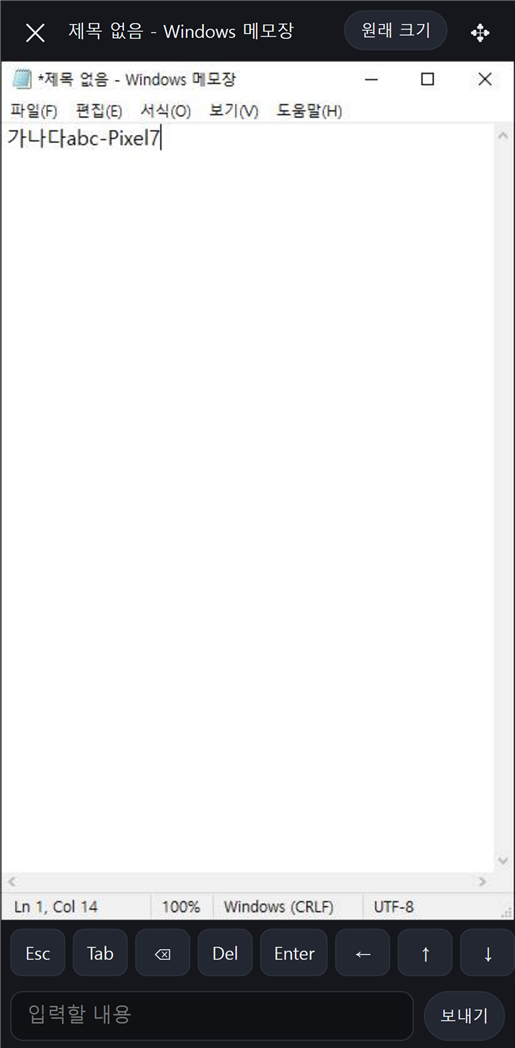
| Input | touches turned into mouse coordinates | tap to click, type in any language |
| Status | pixels only | windows, tray icons and servers as lists |
handideYour own VS Code, on your phone.
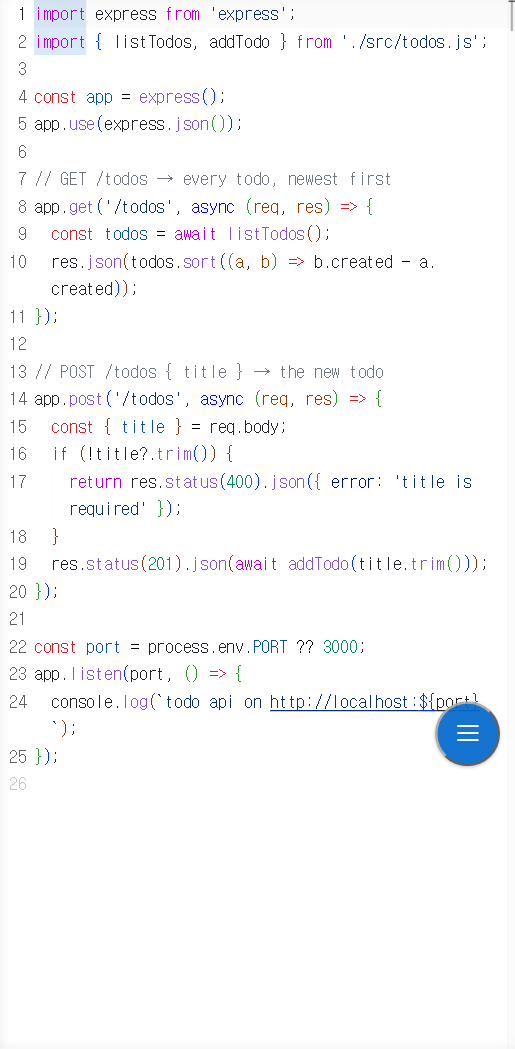
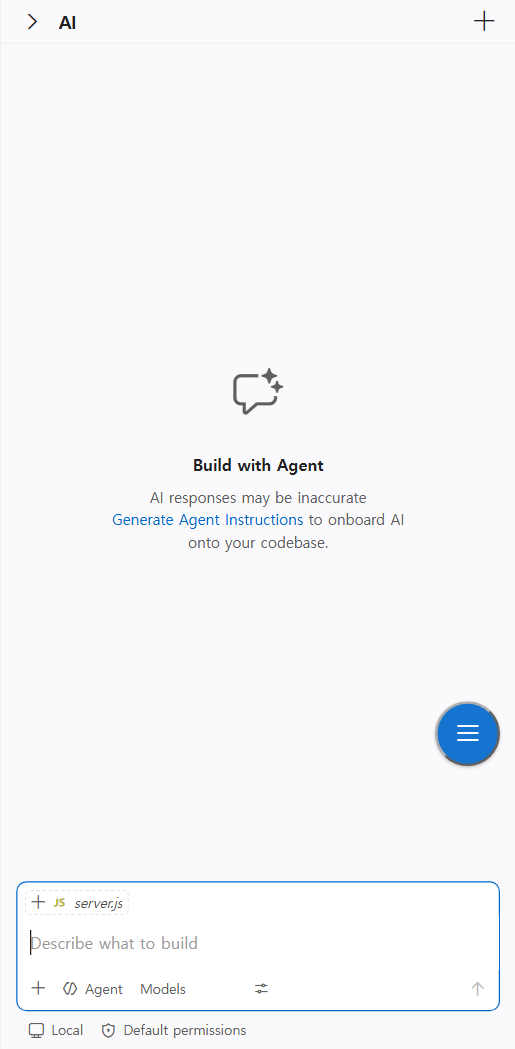
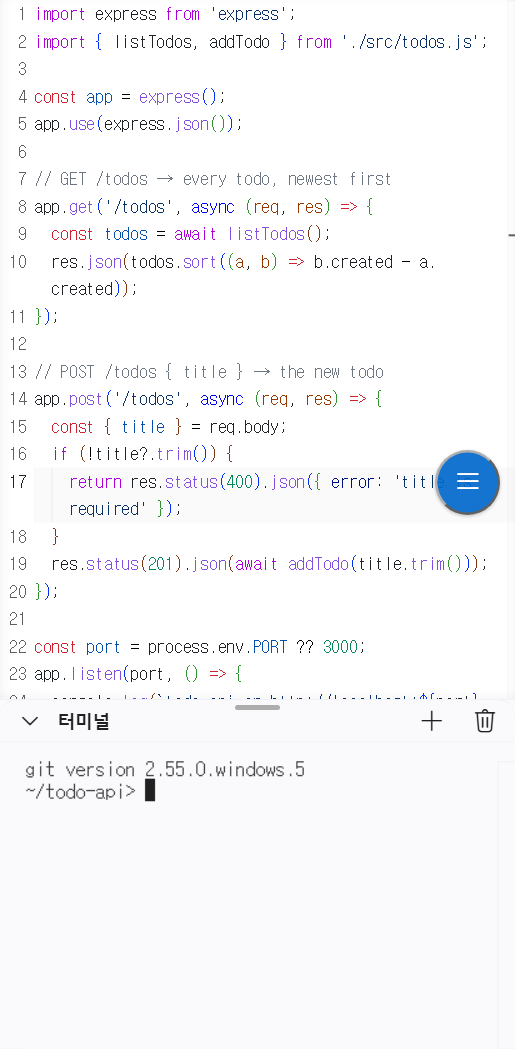
Run it in a project folder and scan the QR code. Your installed VS Code, your extensions and your AI agents (Claude Code, Codex and others), with a touch layer on top: code full screen, and the files, terminal and AI in drawers. Not a fork, not a cloud IDE.
- Your extensions and agents, as they are
- Korean, Japanese and any IME through a native input sheet
- Files never leave the PC
Install
npm install -g github:YangJongWon/handidecd my-projecthandideWindows 10/11 (macOS and Linux from source) · VS Code 1.100+ · Node.js 20+
handremoteYour PC’s windows, at your phone’s size.
See the open windows, widgets, tray icons and servers by category. Tap a window and it is laid out again at the phone’s size, so the app redraws itself instead of shrinking; tap, scroll and type in it. Close it and the window gets its size back.
- Windows, widgets, tray and listening servers in one list
- Nothing is sent to a window that is not in front
- Optional helper for UAC prompts and the lock screen
Install
npm install -g github:YangJongWon/handremotehandremoteWindows 10/11 · Node.js 20+
Your PC stays yours
Nothing uploaded
Both run on your PC. The phone is only a screen.
Only your devices
Away from home through Tailscale, reachable by your own devices only.
Open source
MIT licensed. Read every line on GitHub.
Using it at work?
Setting it up across office or shop PCs, a security review, or a feature your team needs: Wepas, who makes these tools, builds and supports it.